















Quantus Pool
How To Start Mining Quantus
Mining Server QUANTUS
 Europe
 USA
USA China 中国
 RU|EU2
 -
port supports non-SSL and SSL connections
- port supports SSL connection only
- port supports SSL connection only
 HiveOS
Suprminer
Windows
SRBMiner-MULTI
Windows
BzMiner
Windows
PeakMiner
Windows
Krig Miner
Windows
HiveOS - Suprminer
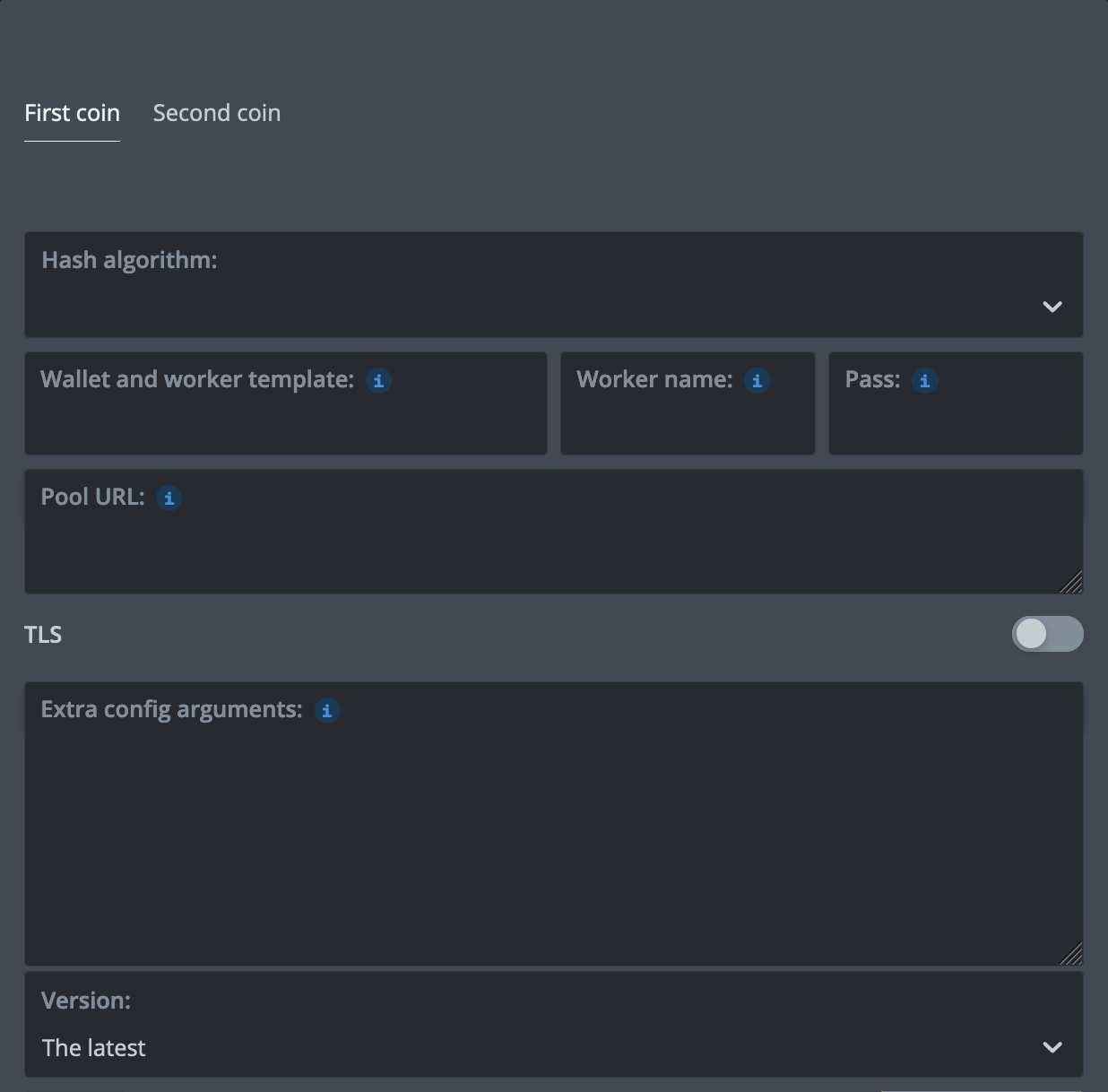
HiveOS - SRBMiner-MULTI
HiveOS - BzMiner
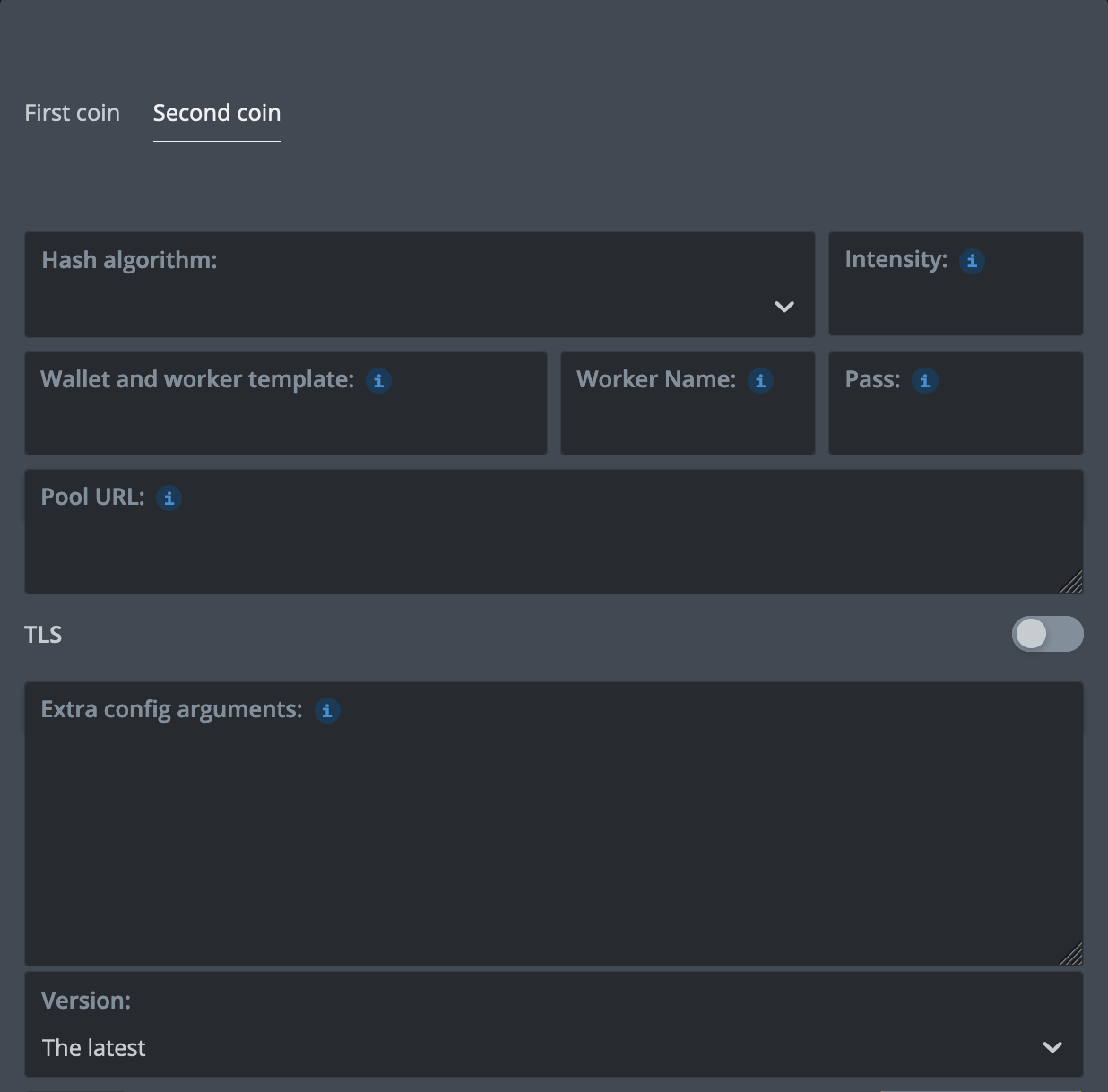
HiveOS - PeakMiner
%WAL% - K1Pool wallet Kr_WALLET%URL_HOST%, %URL_PORT% - select K1Pool server in the Flight SheetStep 1 - Register
Step 2 - Download mining software
Quick Start on  Windows OS: Download the ready-to-use version of miners (archive password: k1pool).
Replace Kr_WALLET in the .bat file with the account address received in Step 1. You can change RIG_NAME; use up to 32 Latin letters, digits, "_" or "-".
Windows OS: Download the ready-to-use version of miners (archive password: k1pool).Replace Kr_WALLET in the .bat file with the account address received in Step 1. You can change RIG_NAME; use up to 32 Latin letters, digits, "_" or "-".
Step 3 - Check the mining status
After starting mining, make sure the pool detects your Worker and accepts shares. Check My stats. The Worker normally appears as active about 5-10 minutes after the first accepted share.
4 - Getting Started with Cryptocurrency Payouts (QUANTUS)
To receive pool payouts, create a QUANTUS wallet. You can use the official Quantus wallet or SafeTrade:
After creating a QUANTUS wallet, add it on the Wallets page, set the minimum payout threshold and confirm the wallet address by email.
Step 5 - Still have questions?
Telegram support chat
Please feel free to contact our support team if you have any questions